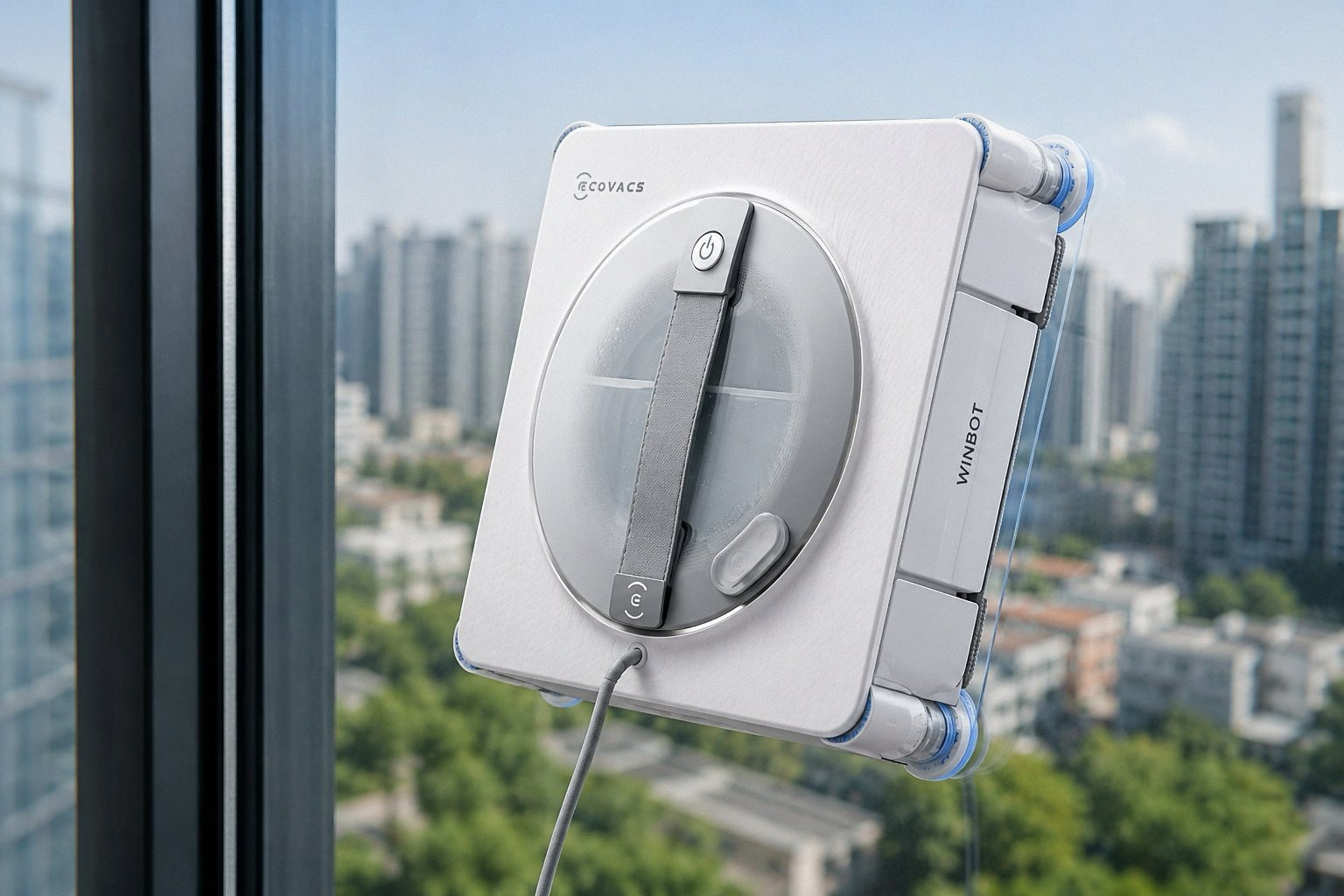
If your ECOVACS glass-cleaning robot has been sitting idle for a while, a thorough maintenance routine is essential before its next use. Dust accumulation and residual liquids can impair performance, cause unpleasant odours, or even damage components. Follow this systematic guide to restore your WINBOT to peak condition – ensuring cleaning efficiency, sensitivity, and safety.
1. Basic Cleaning & Component Care
Clean the Cleaning Cloth
Flip the robot over, remove the cleaning cloth, and place it in the base station’s wash compartment. Run a cleaning cycle (if your model supports it) or hand-wash thoroughly. After washing, air‑dry the cloth completely to prevent mildew and bacterial growth.
Empty Residual Liquids
- Drain any remaining cleaning fluid from the robot’s built‑in water tank.
- Also empty the base station’s clean‑water tank and dirty‑water tank completely.
- Rinse all tanks with clean water and allow them to dry.
Base Station Self‑Cleaning
If you notice sediment or dirt buildup in the base station’s wash compartment, activate the “Base Station Self‑Cleaning Mode” (available on compatible models). After the cycle finishes, open the compartment door and leave it to air‑dry thoroughly before closing – this prevents trapped moisture from causing odours.
2. Key Component Inspection & Cleaning
Drive Wheel Tracks
Use the ECOVACS HOME app to remotely drive the robot, and visually inspect the condition of the drive wheel treads. If dirt or debris is visible, wipe them gently with a dry, lint‑free cloth.
Fan (Suction Motor) Cleaning
Wipe the exterior surface of the fan housing and surrounding areas with a dry cloth. Keeping the fan dust‑free ensures maximum suction power remains intact – critical for safe adhesion on glass.
Sensors & Side Brushes
- Wipe the spherical sensors (bump sensors / cliff sensors) with a dry cloth to maintain their sensitivity for accurate path planning and obstacle avoidance.
- Clean the side brushes as well, removing any tangled hair or lint that may affect rotation.
Guide Wheels
Wipe the guide wheels (caster wheels) to remove any dust or debris, ensuring smooth movement and stable navigation.
3. Final Checks & Ready Status
After completing all the above steps, your WINBOT is now restored to an optimal standby state. Following this maintenance routine before every re-use after long storage effectively prevents common issues – such as reduced suction, erratic movement, or sensor failures – and guarantees a stable, efficient cleaning experience every time.
Keep your WINBOT clean, and it will keep your windows clean!